

Build Clear Database Thinking Through Structured Learning
Shop allAs seen on


Courses That Put Data Into Clear Order
-
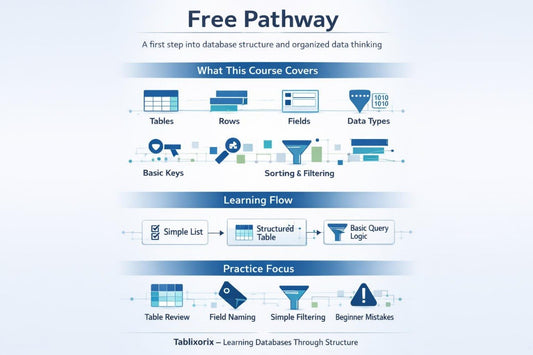
Free Pathway
Regular price €0,00 EURRegular price -
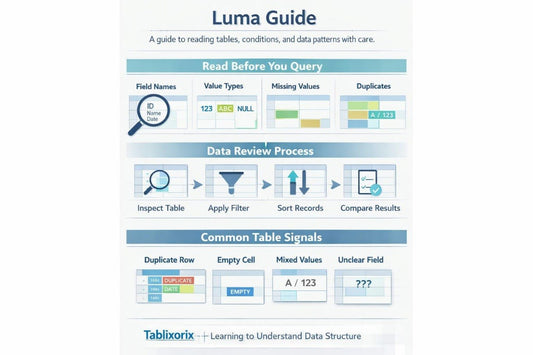
Luma Guide
Regular price €150,00 EURRegular price -
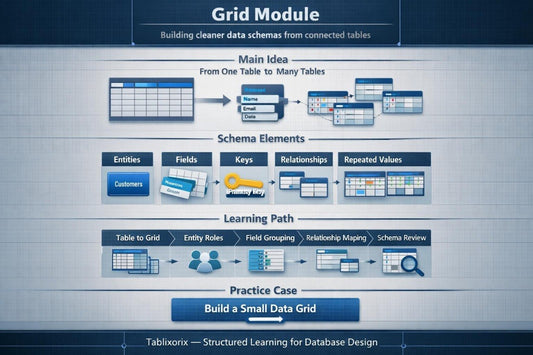
Grid Module
Regular price €247,00 EURRegular price




We Started With One Question: Why Do Tables So Often Feel Confusing?
People Who Care About Order in Data

Kristi Bautista
Data Quality Analyst
She reviews datasets to identify inconsistencies and improve reliability.

Burt Saunders
Data Visualization Specialist
He translates data into visual stories to support team decision-making.

Jeffery Barrera
BI Developer
He creates reports and dashboards to visualize data trends for internal stakeholders.

Less Confusion, More Logic in Every Module
-

Skill Growth
The courses are
designed to gradually develop
your data handling skills. -

Data Insight
You learn to understand the
logic and relationships
within tables. -

Interactive Learning
Each module includes practical
examples and exercises
for reinforcement. -

Flexible Study
Materials can be accessed on
multiple devices and studied
offline.


Data Should Have Order, Not Noise



Learning Materials Fit Different Screens


Start With an Open Learning Material
Learning Stories: From Confusing Tables to a Clear Schema
-

Cassie French
Cassie worked with table descriptions and often
noticed that without short notes about fields and
relationships, data structure becomes difficult to
read. She found the modules about
documentation, field roles, table relationships,
and final schema review helpful for her learning
process.
Direct Quote:
“The course format helped me connect table
notes, field meaning, and relationship logic into
one organized view.” -

Louis Page
He worked with internal tables where data was
often repeated or stored without a consistent
approach, making it difficult for him to read the
structure and see the logic between records. The
most useful part for him was the before-and-
after example format, where one overloaded
table becomes several cleaner connected parts.
Direct Quote:
“The examples made table organization easier to
understand because I could see how small
structural choices affect the whole dataset.”

